The problem it removes
Positioning data is powerful, but raw COT reports are slow to read and easy to misinterpret. Traders need to know when positioning confirms a theme, when it warns of exhaustion, and when the crowd has already moved.
Macro Analysis
Visual speculative positioning, weekly changes, extremes, and multi-currency data help you understand when the market is crowded or rotating.
Understand the problem, use the workflow, and turn each session into feedback you can act on.
Positioning data is powerful, but raw COT reports are slow to read and easy to misinterpret. Traders need to know when positioning confirms a theme, when it warns of exhaustion, and when the crowd has already moved.
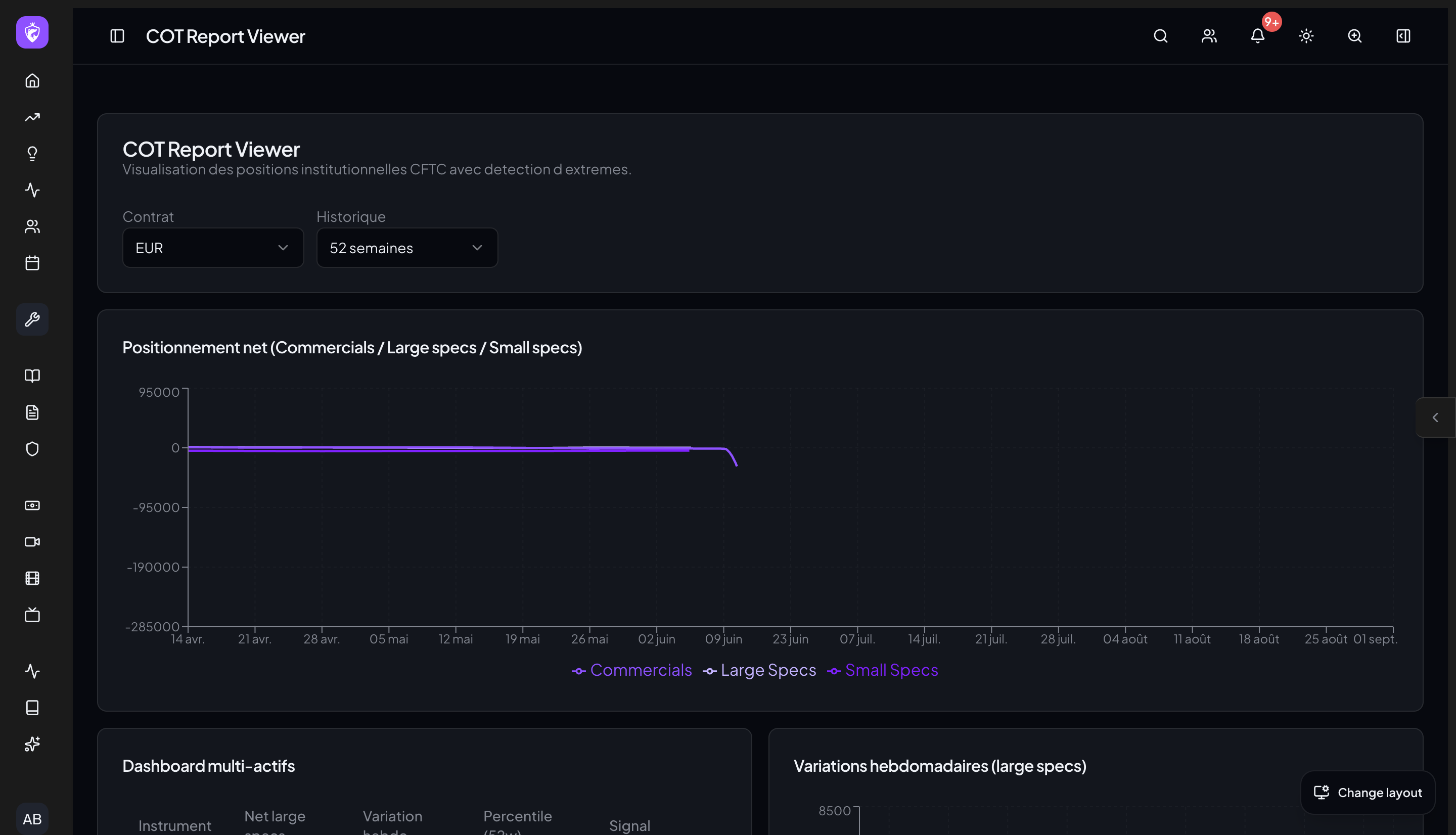
The WTE COT Report viewer turns commitment-of-traders data into visual positioning context. Use it to validate macro themes, spot extremes, and add institutional positioning awareness to your trade plan.
Visual speculative positioning, weekly changes, extremes, and multi-currency data help you understand when the market is crowded or rotating.
Review net positioning and weekly changes.
Identify where positioning is unusually crowded.
Combine COT with WTE macro, news, and risk tools.
COT is best framed as context, not a short-term signal. It helps intraday traders avoid trading directly into crowded macro positioning, even when the short-term technical looks clean.
Continue the workflow
Each WTE tool is designed to work with the decisions before and after it. Explore the connected workflows below to keep planning, context, execution, and review in one place.
Included in one WTE subscription
Use COT Report with the planning, risk, market, journal, and community tools around it.